
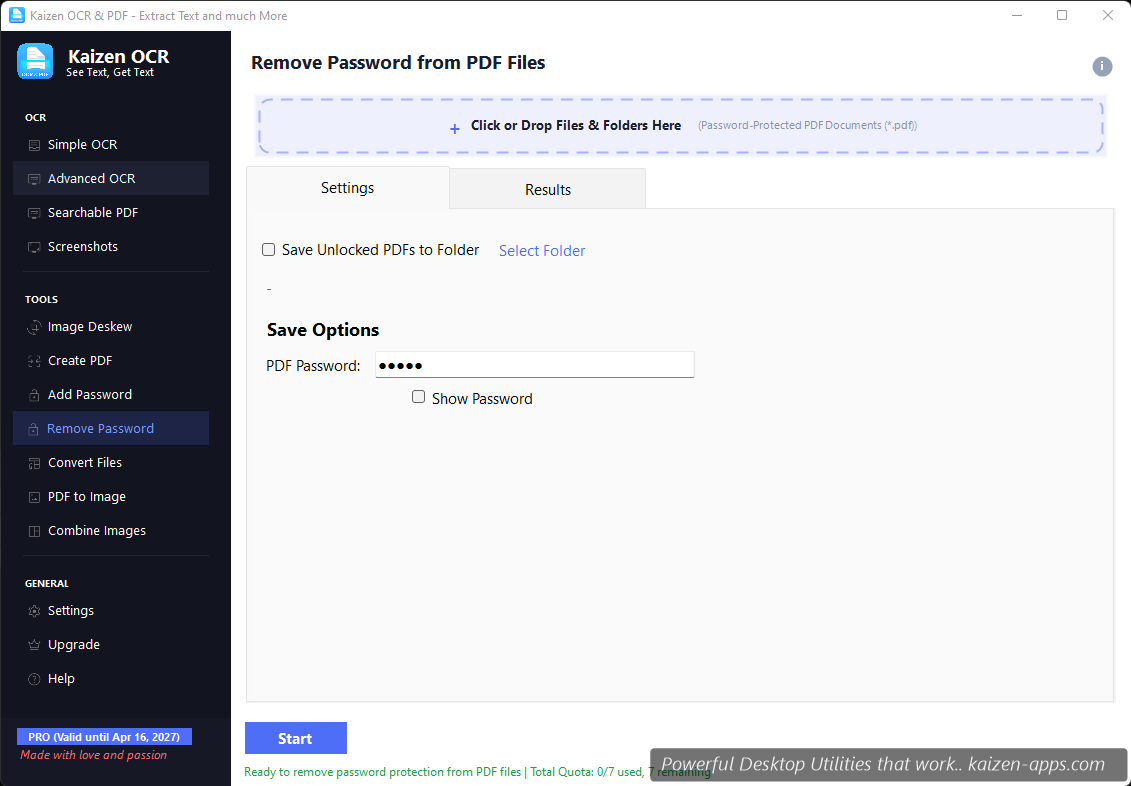
You need the password. This tool removes password protection from PDFs — it doesn't crack unknown passwords. If you don't have the password, we can't help you.
Workflow
- Drop the protected PDF.
- Enter the password.
- Pick an output path.
- Click Remove password.
Why you might want to remove a password
- You need to run OCR, extract text, or merge it with other PDFs — Kaizen OCR's other tools can't read encrypted PDFs directly.
- You're archiving documents and the password adds friction for future retrieval.
- You want to share with someone who doesn't need the protection.
What happens to the original
The original encrypted PDF is not touched. The output is a new, decrypted copy.
Free tier
7 runs on Free.
Kaizen OCR & PDF
Extract text from any image or PDF, edit, convert and OCR — fast, accurate and fully offline on Windows.
Get Kaizen OCR & PDF →Free download