
How to buy
- Open Kaizen Timer.
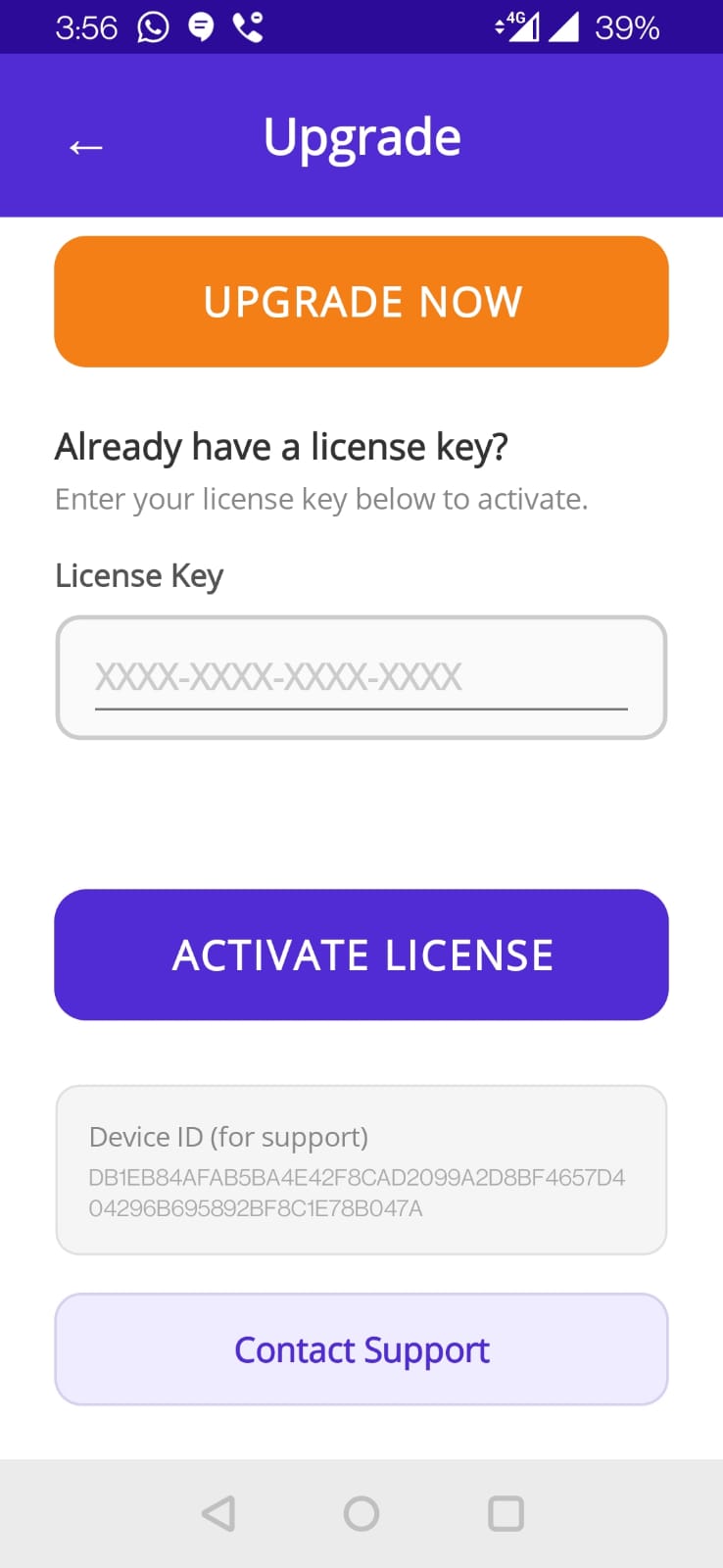
- Tap Upgrade on the nag banner, or go to Settings → Upgrade.
- Tap Buy Pro — $4.99.
- Google Play's standard purchase flow appears. Confirm with your PIN / biometric.
- Pro activates immediately. The nag banner disappears; you can now set sessions up to 23 hours.
After purchase
Your purchase is tied to your Google account. You can:
- Install Kaizen Timer on another device with the same Google account — Pro activates automatically.
- Change phones — as long as you sign into the same Google account on the new phone, Pro follows you.
- Uninstall and reinstall — Pro activates again on first launch.
Troubleshooting
“Already purchased” but I'm still on Free
Open Google Play Store → Menu → “Refresh purchases”. Then restart Kaizen Timer. Usually resolves within a minute.
Purchase failed
Typical causes: payment method declined, Google account issue, regional unavailability. Check Play Store for the error message, fix the underlying issue, retry.
I want a refund
Within 48 hours, use Google Play's refund path. After 48 hours, email us.
Gifting
Currently no gift option in-app. If you want to gift Kaizen Timer Pro to another parent, email us; we can help arrange a promo code.