
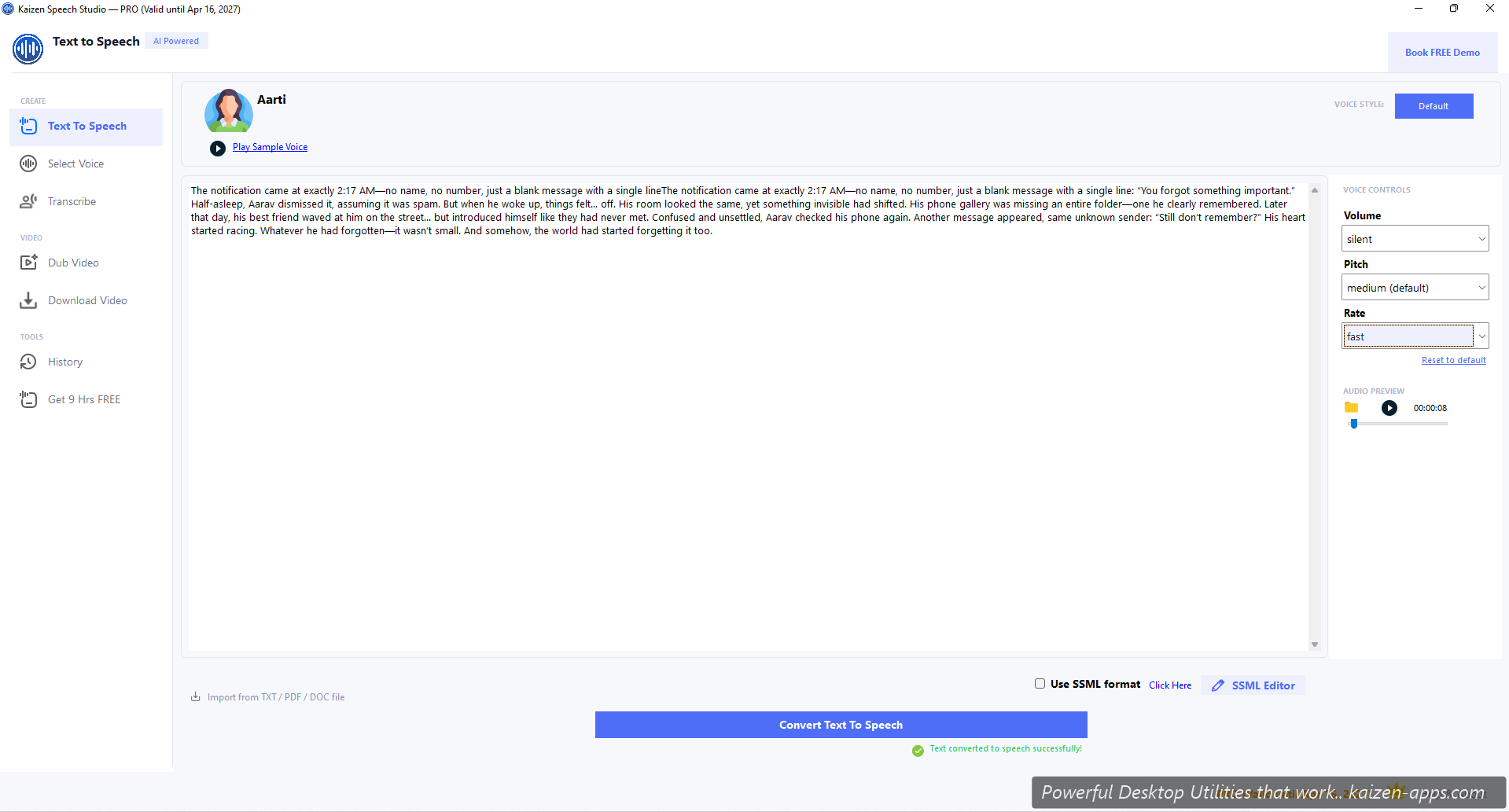
Five steps
- Open Speech Studio — it lands you on the Text to Speech page.
- Paste or type some text in the main editor (up to 250,000 characters on Free).
- Click the Voice dropdown at the top and pick any voice. For a great first impression, try
en-US-Ava Multilingualoren-US-Brian:DragonHDLatestNeural. - (Optional) Adjust Rate, Pitch, or Volume below the editor. Or pick a Style (cheerful, serious, customerservice).
- Click Convert Text to Speech. The audio generates in a few seconds and plays back in the player at the top.
Export
Once audio generates, the player shows Save-as-MP3 and Copy-to-clipboard buttons. MP3 is the usual pick for sharing; WAV is also available (higher quality).
What to do next
- Try different voices — 603+ options in the voice picker
- Use SSML for fine control (pauses, emphasis, multi-voice) — see SSML editor
- Import a PDF or DOC (Pro) — see file imports
- Set up your own Azure key for unlimited use — see Azure setup
Kaizen Speech Studio
700+ neural AI voices, transcription and AI video dubbing on Windows — one-time purchase, works offline.
Get Kaizen Speech Studio →Free download