
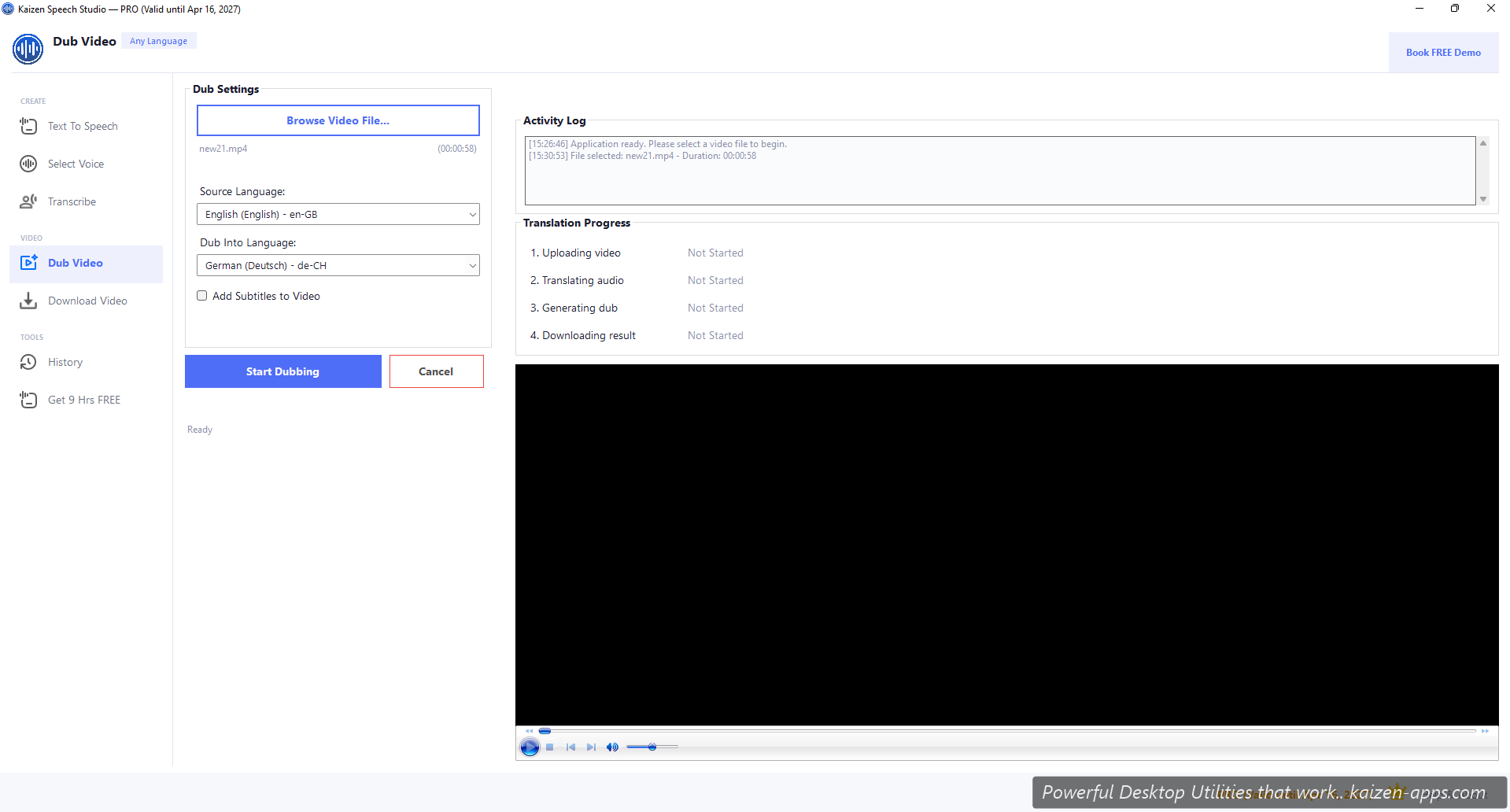
What happens under the hood
- Speech Studio uploads your video to your Azure Blob Storage (the
videoscontainer you set up). - Calls Azure Video Translation API with source and target language.
- Azure transcribes the original audio, translates, generates target-language voices, re-syncs to the video.
- Speech Studio downloads the result.
Prerequisites
- Pro / Premium license
- Azure Speech Service key (see Speech Service setup)
- Azure Blob Storage with a
videoscontainer (see Blob Storage setup)
Dubbing flow
- Open Dub Video.
- Click Browse and pick your source video (MP4, MOV common).
- Pick Source language (auto-detect works, but specifying is faster).
- Pick Dub into language.
- (Optional) Tick Add subtitles to get an SRT track in the target language.
- Click Start Dubbing.
- Watch the progress stages: Uploading → Translating → Generating → Downloading.
- When done, the dubbed video opens automatically and is saved next to the source.
Processing time
Azure Video Translation is batch-mode. Expect ~2–4× video length (a 10-minute video takes 20–40 minutes to fully dub). The progress panel updates throughout.
Cost
Azure charges per minute of video dubbed. Check Microsoft's Video Translation pricing page for current rates. Speech Studio shows the estimated cost before you hit Start.
Tips
- Clean source audio = better translation. Background music or noise degrades accuracy.
- Short videos (<10 min) are lower cost and give you a chance to iterate.
- Not every language pair is equal in quality — English → major European languages is best; niche-to-niche is weaker.
Kaizen Speech Studio
700+ neural AI voices, transcription and AI video dubbing on Windows — one-time purchase, works offline.
Get Kaizen Speech Studio →Free download