Is Kaizen Fast Clicker free?
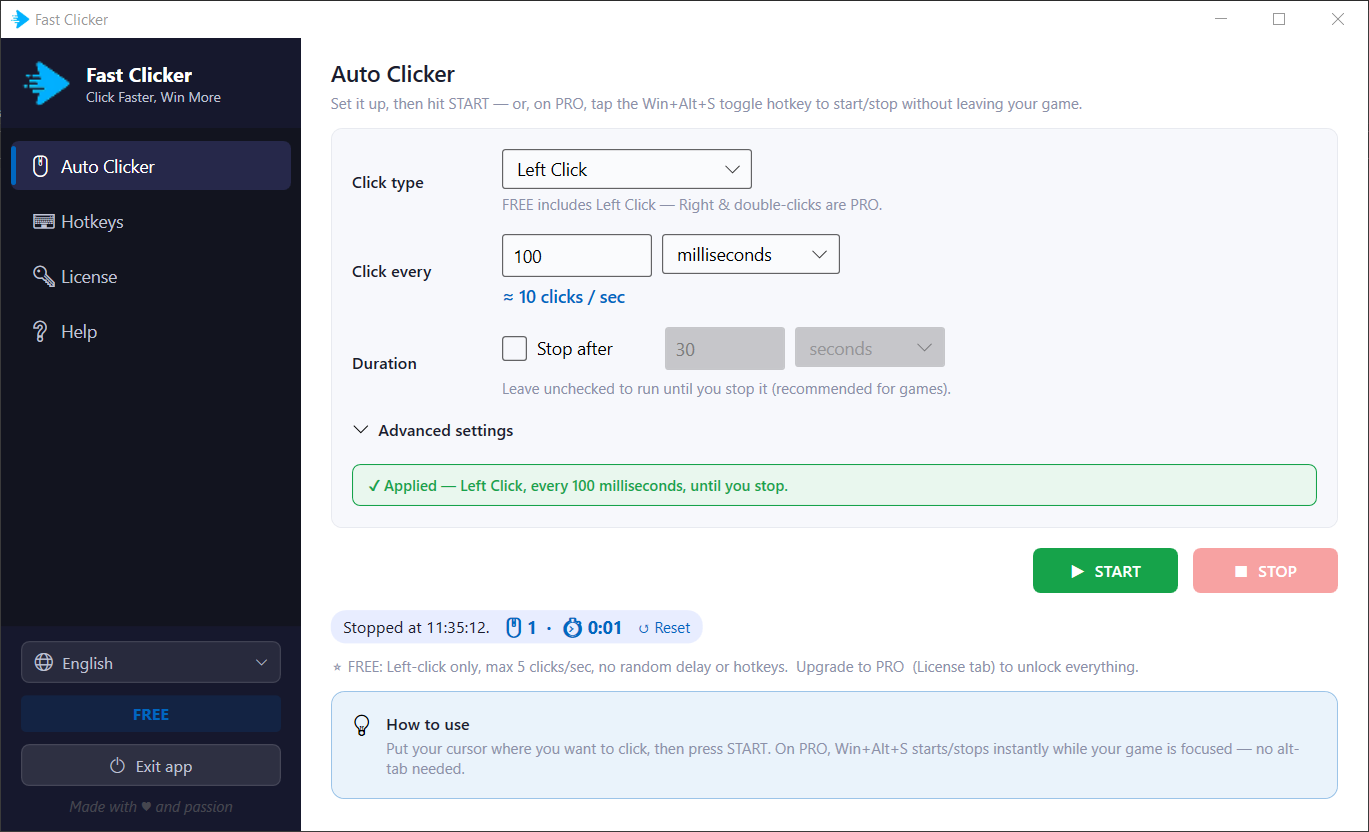
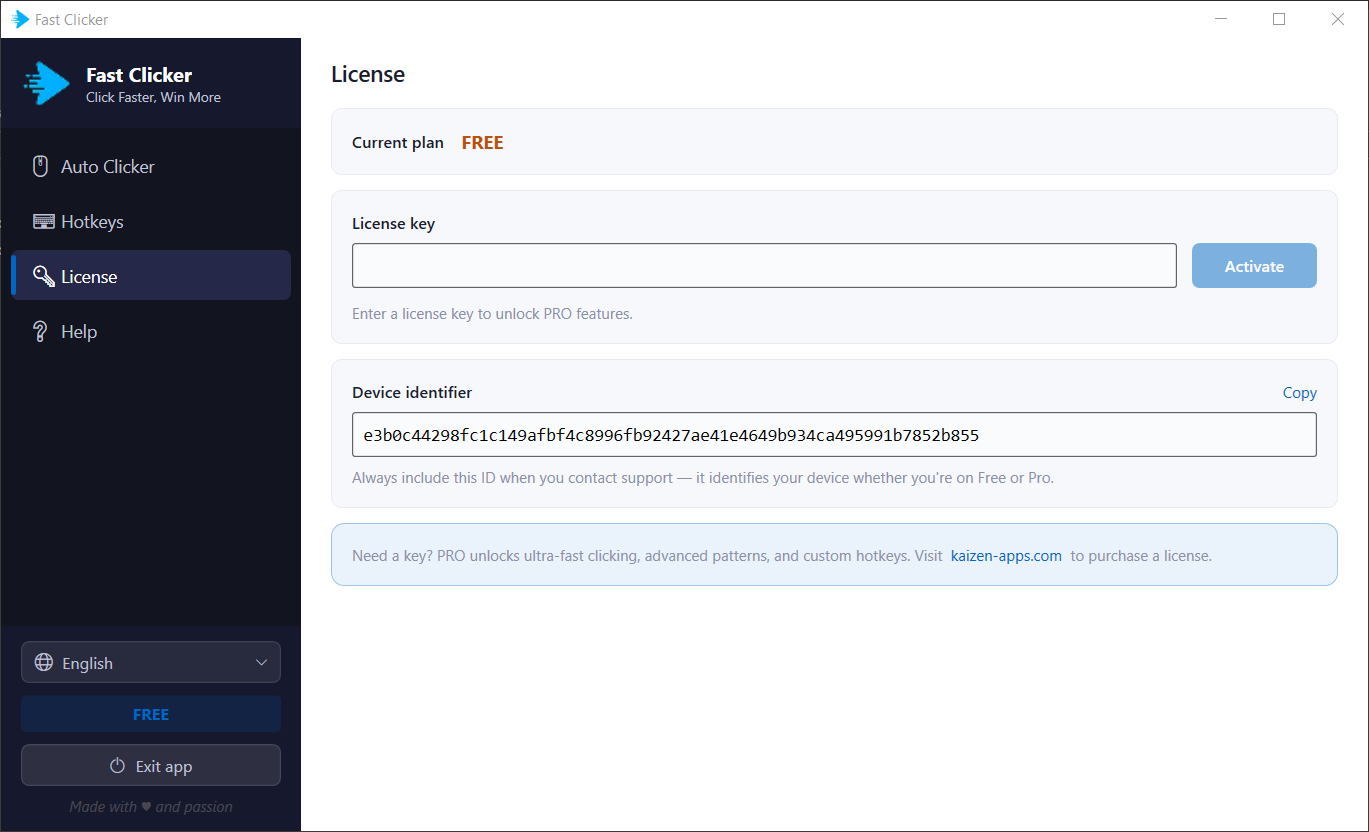
Yes — there's a free version so you can try it first. Free users get left click at up to 5 clicks per second. Higher speeds, right click, double click, random delay and the global hotkey are part of the Premium upgrade — a one-time payment of $15 for a lifetime licence (no subscription) with a 3-day refund window.
How fast can it click?
You set an exact millisecond interval, down to roughly 100 clicks per second, and the app shows the live clicks-per-second as you adjust it. The free version is capped at 5 clicks per second for left click; Premium unlocks the full speed range.
Can I start and stop clicking with a hotkey?
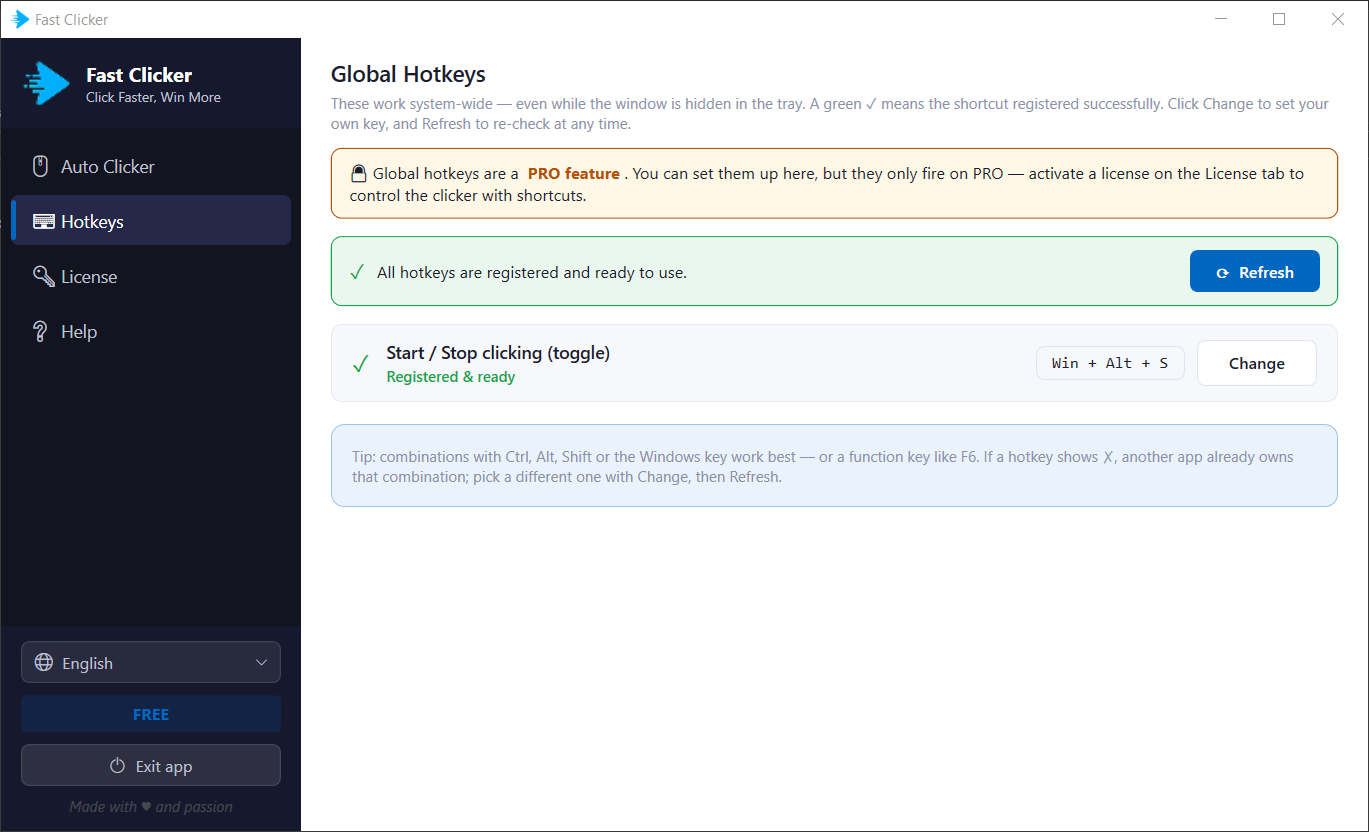
Yes. A global start/stop toggle — Win + Alt + S by default — works system-wide, even while the window is hidden in the tray, so you can start and stop without leaving your game. The hotkey itself is customisable. Global hotkeys are a Premium feature.
Will it be detected by anti auto-click software?
Kaizen Fast Clicker includes a customisable random delay (a Premium feature) that varies the click interval to make automated clicking harder to detect. Even so, many competitive games prohibit auto clickers, so use it at your own risk in those games.
What are the system requirements?
Windows 10 or Windows 11. Kaizen Fast Clicker is lightweight, installs in seconds and runs fully offline — with no ads and no bundled extras.
What languages does it support?
13 languages: English, Spanish, Portuguese (Brazil), German, French, Japanese, Italian, Korean, Dutch, Chinese (Simplified), Russian, Vietnamese and Hindi.
How is it different from Auto Mouse Click?
Kaizen Fast Clicker is focused purely on high-speed clicking.
Kaizen Auto Mouse Click is a broader automation tool that adds mouse movement, app switching, browser tab control and keyboard automation.