
Kaizen OCR & PDF
Windows · 7 free uses of each toolCopy the text out of scans, photos and PDFs, then merge, edit and convert them.
from $18Explore
Pull the text out of a scan. Turn a script into a voice-over. Block the sites that derail you. Find out who can open your Google Drive. Nine focused apps, each built to do one job well.
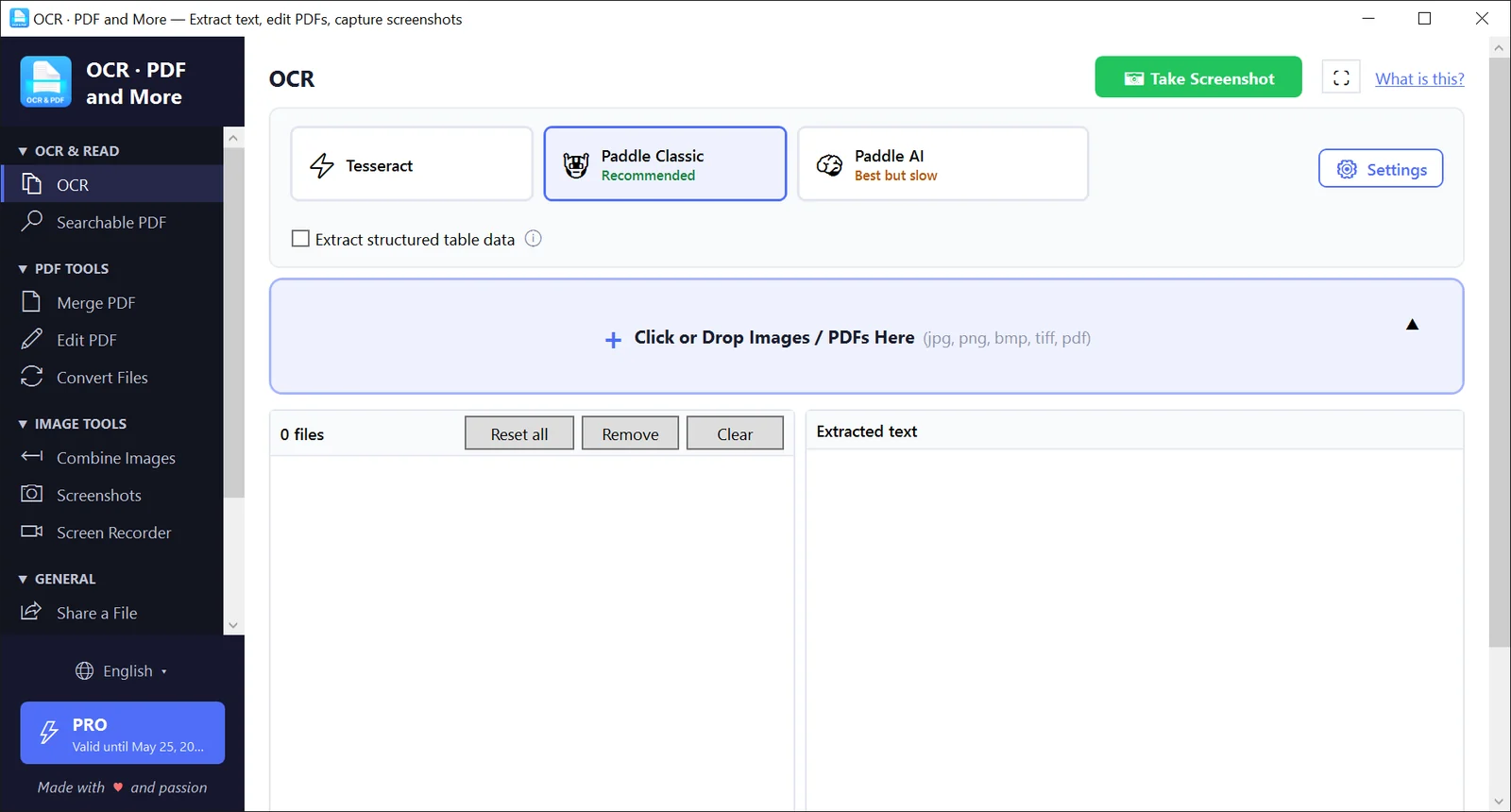
Copy the text out of scans, photos and PDFs, then merge, edit and convert them.
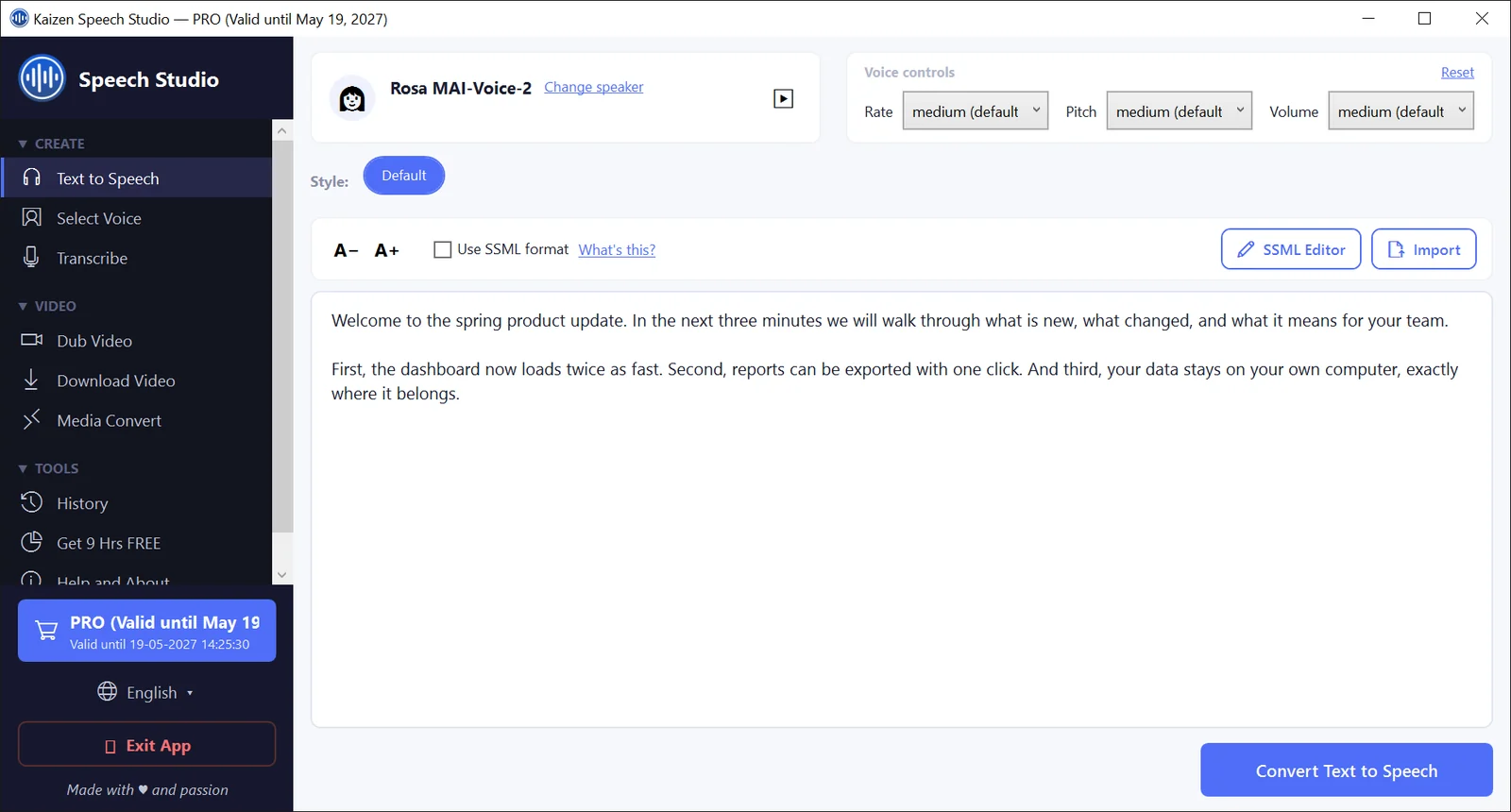
Turn a script into a natural voice-over, transcribe audio and dub videos.
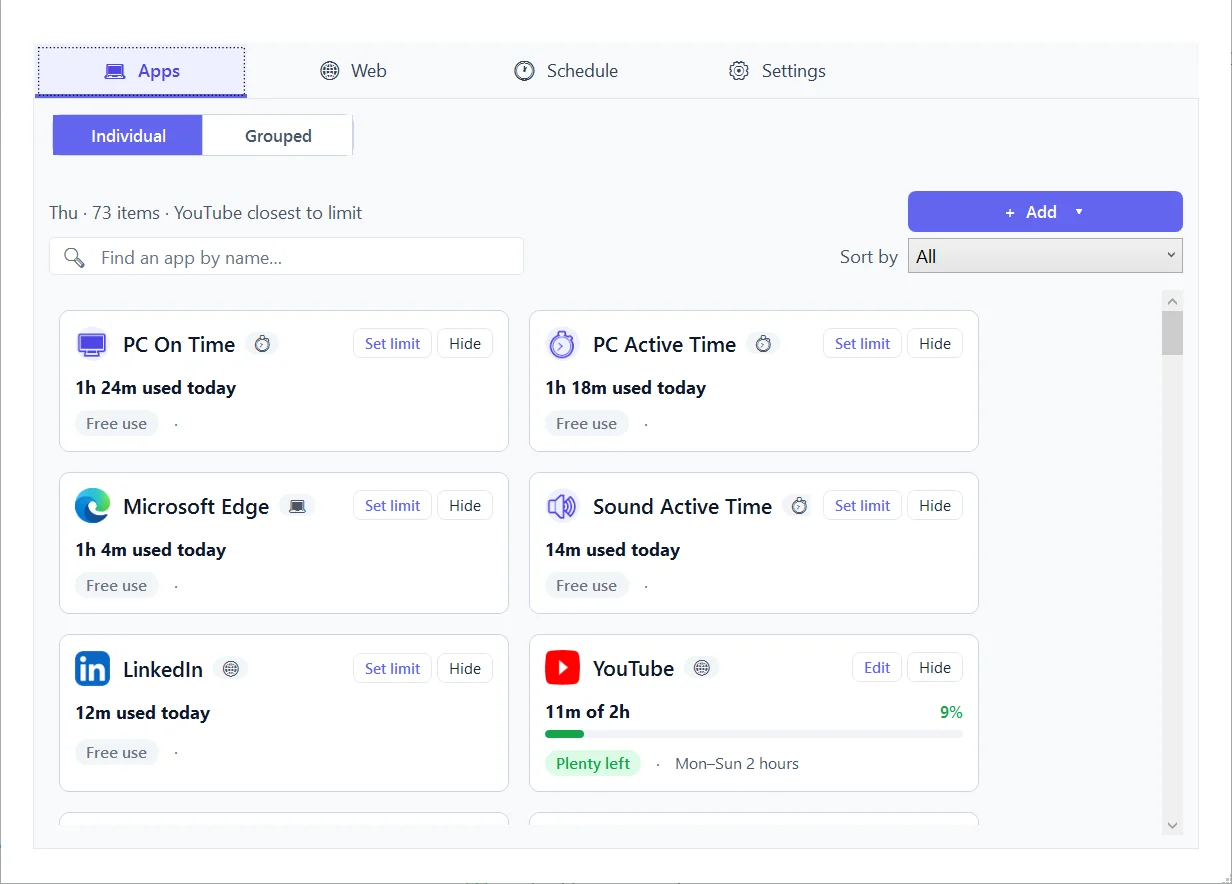
Block distracting websites and apps on a Windows PC and set daily time limits.
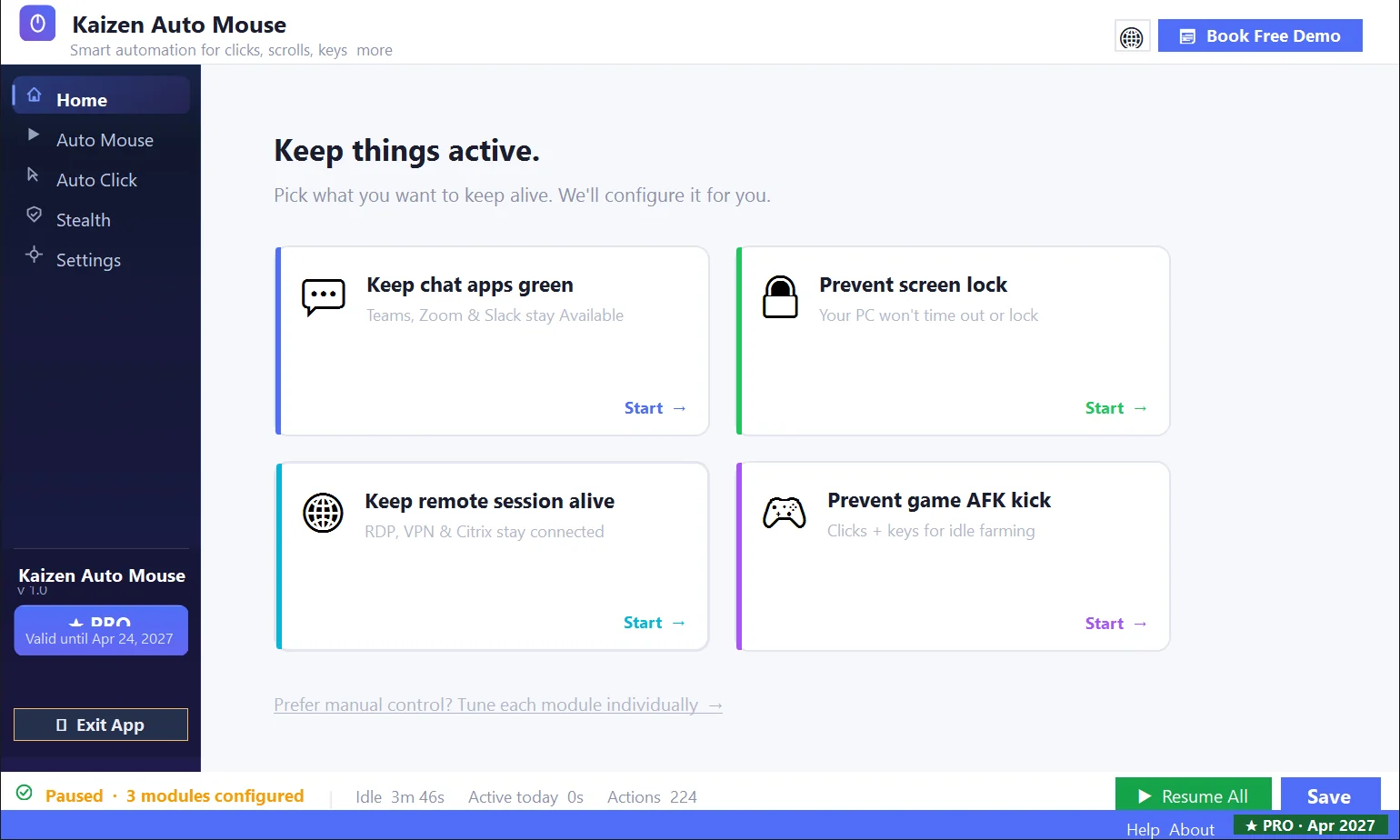
Keeps your PC awake and your status active by moving the mouse for you.
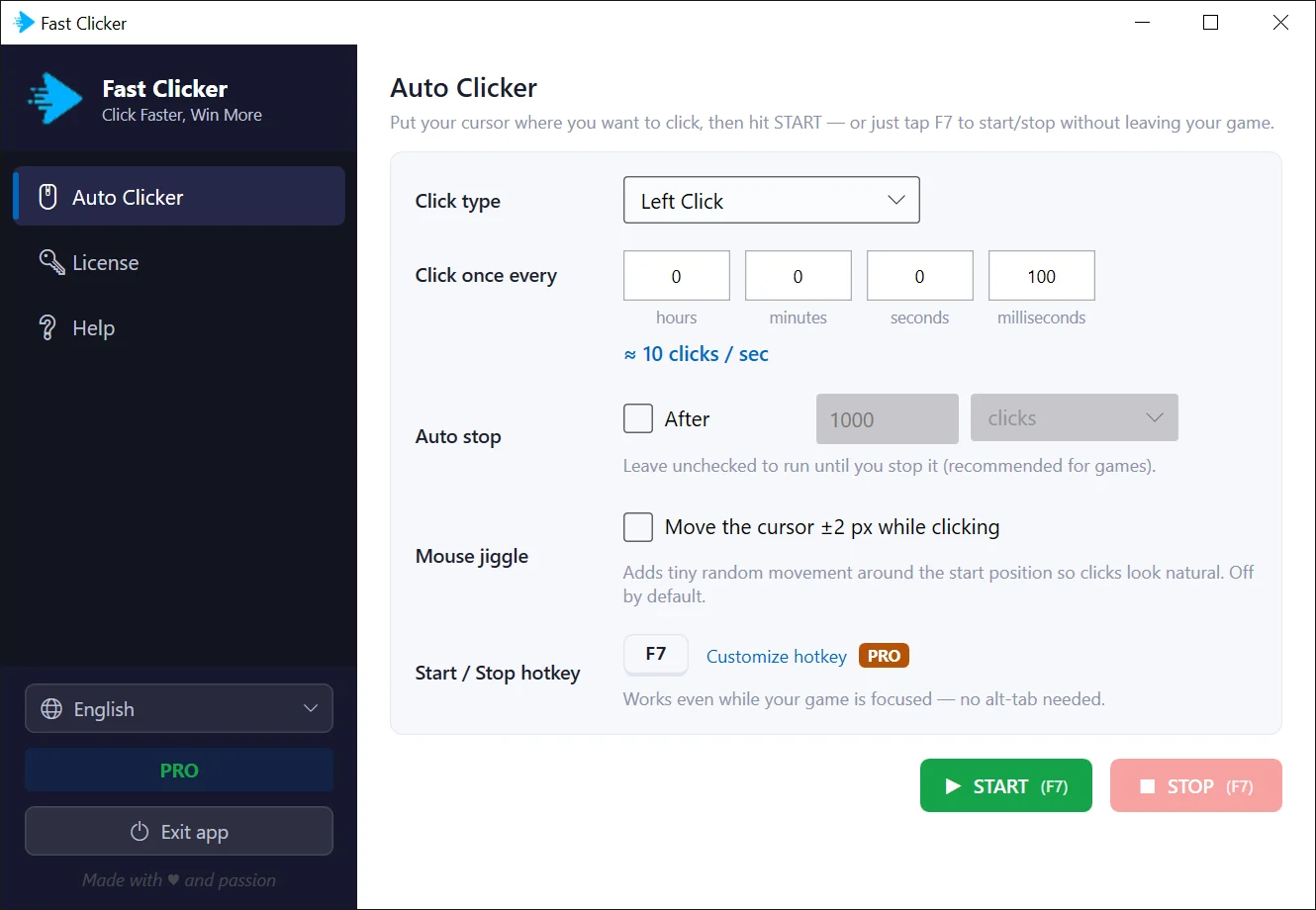
An auto clicker with one screen of settings and a hotkey that works in-game.
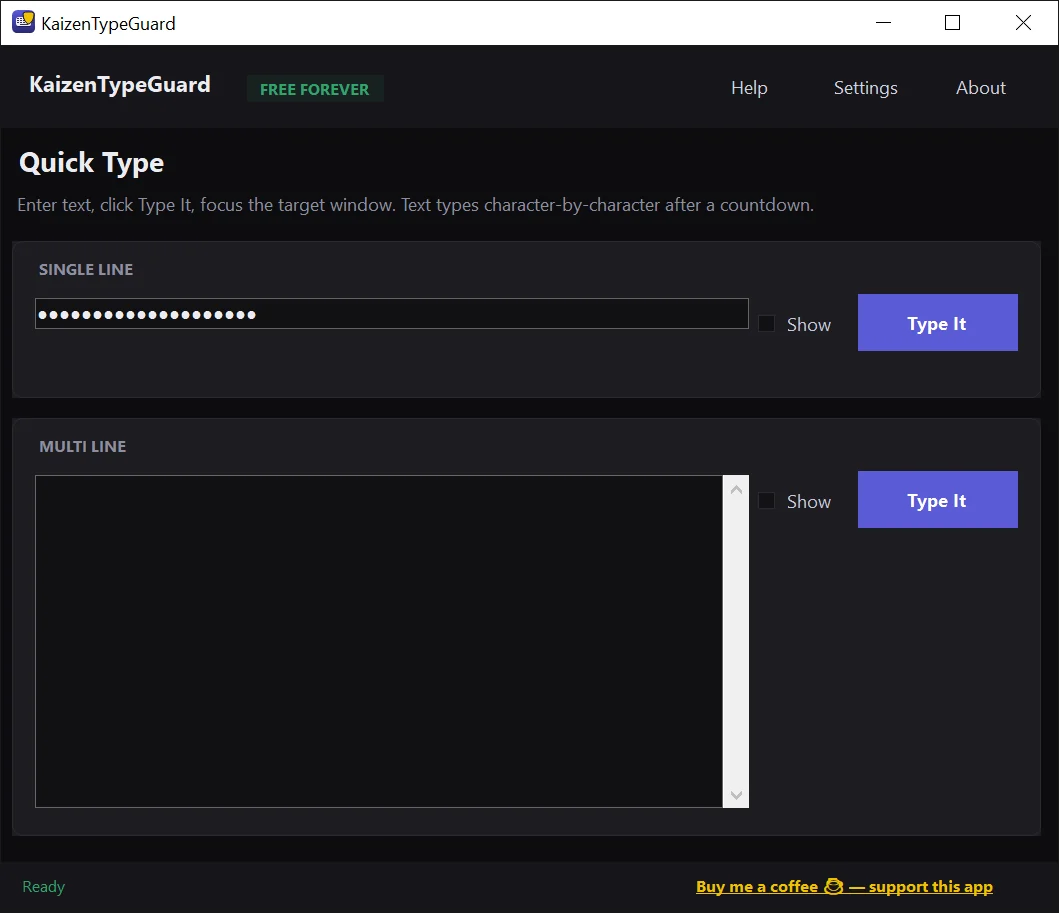
Types your text into any window, one key at a time, where paste does not work.
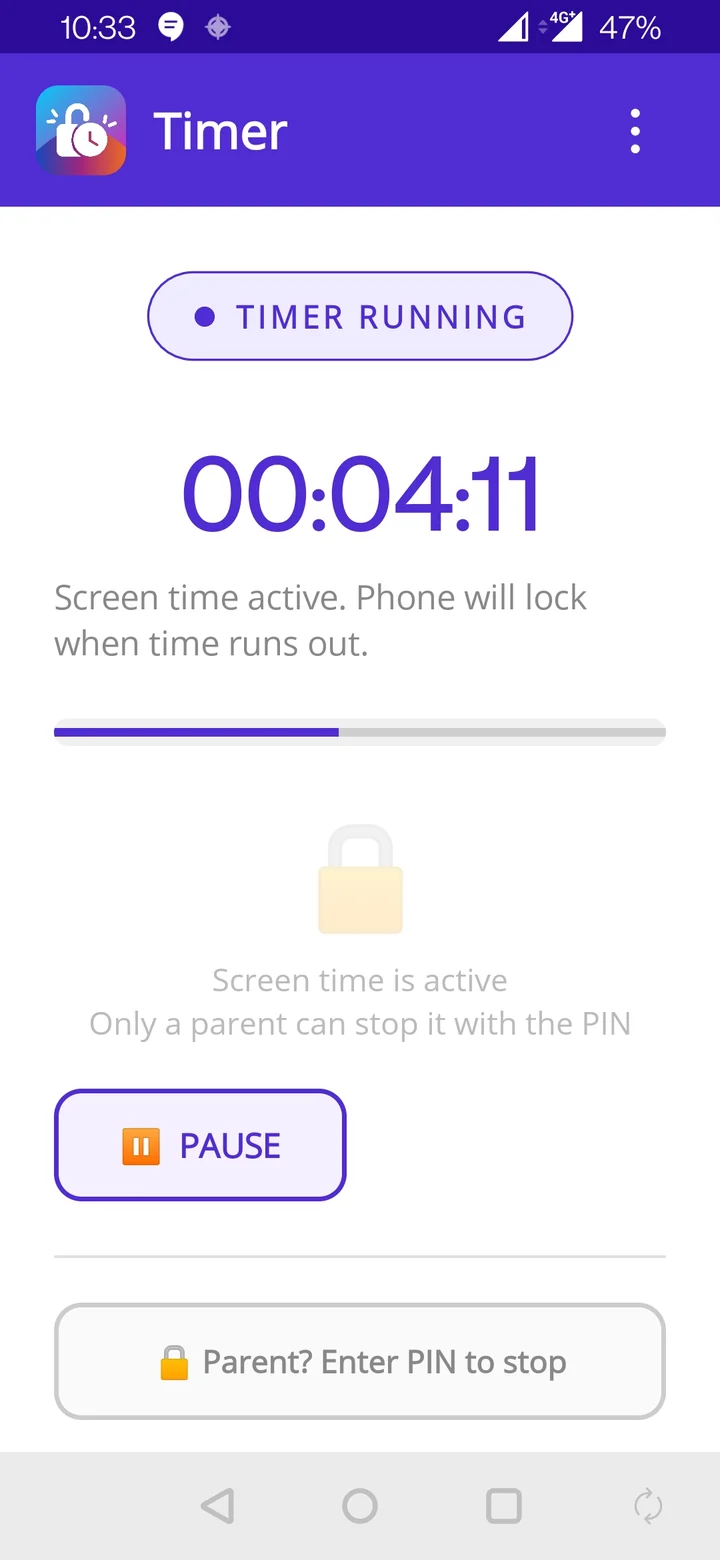
Set the screen time, hand over the phone. It locks itself when time is up.
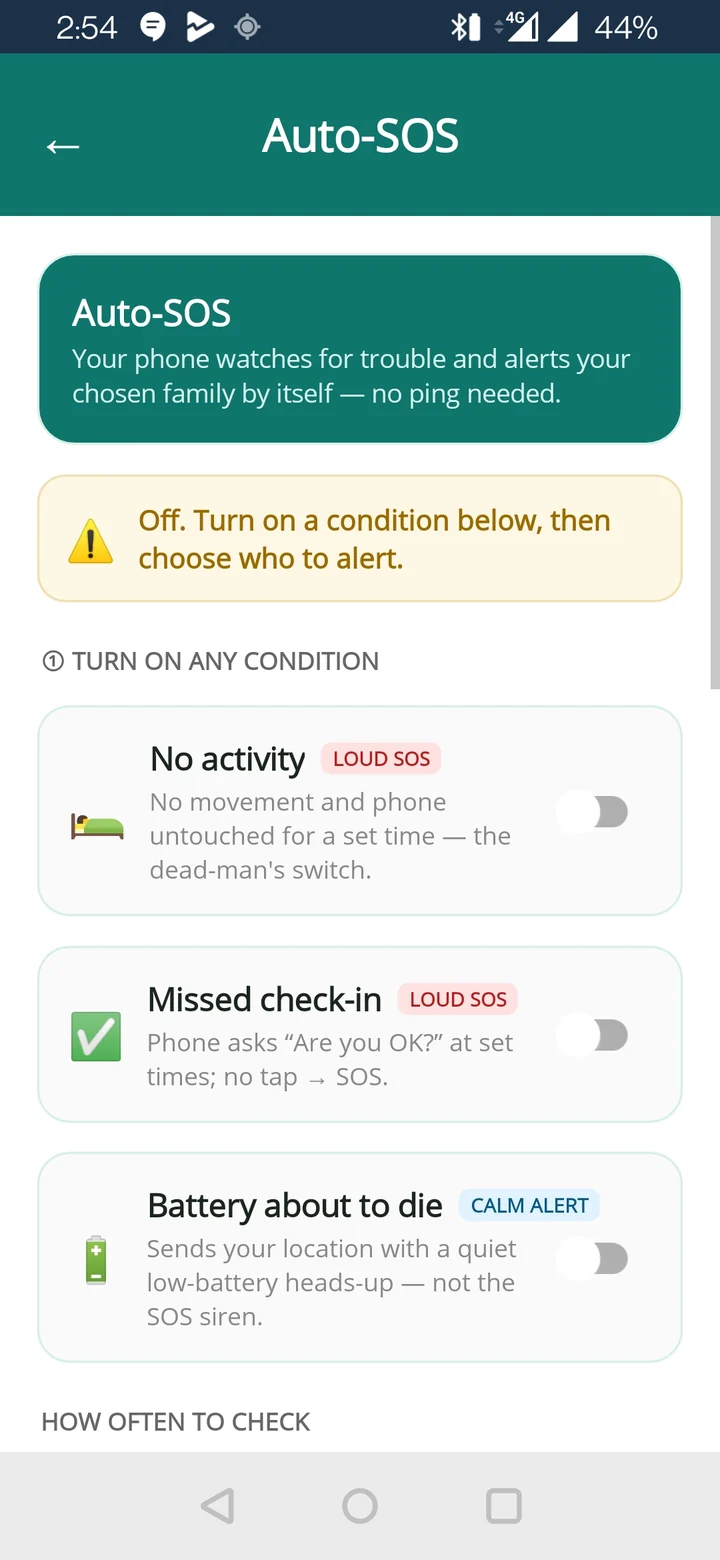
Ask a family member's phone where it is by text message, plus a loud SOS.
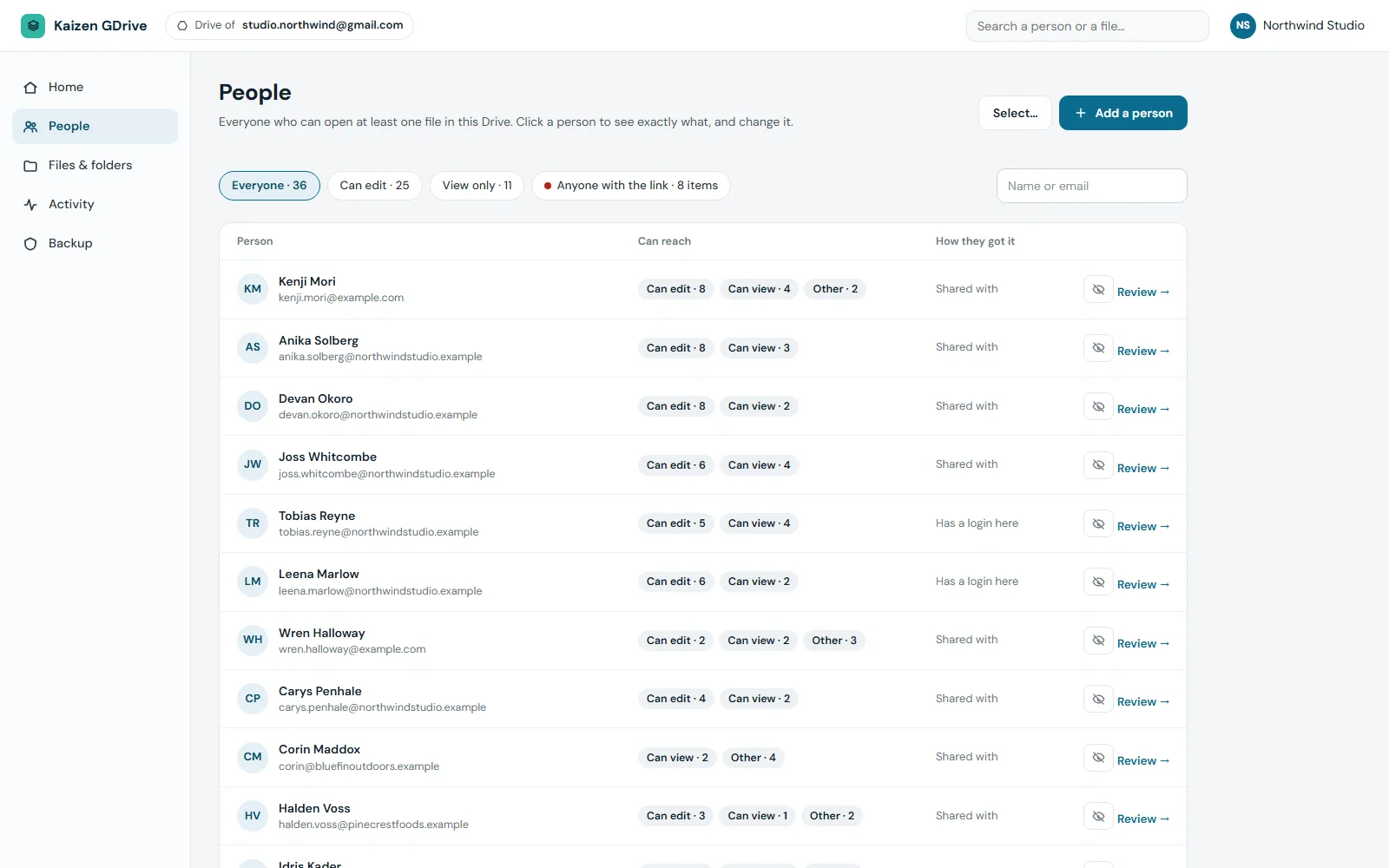
See every person and link that can open your Google Drive, and take access back.
Kaizen OCR & PDF reads scans, photos and PDFs on your own PC.
Speech Studio603Kaizen Speech Studio, in 80+ languages.
Focus47Kaizen Focus, across 10 browsers.
DriveGuard5minKaizen DriveGuard keeps the list of who has access current.
Each figure comes from the app itself, not from a survey.
Each one does a single job, and most are free to try.
Copy the text out of scans, photos and PDFs, then merge, edit and convert them.

Turn a script into a natural voice-over, transcribe audio and dub videos.

Block distracting websites and apps on a Windows PC and set daily time limits.

Keeps your PC awake and your status active by moving the mouse for you.

An auto clicker with one screen of settings and a hotkey that works in-game.
Types your text into any window, one key at a time, where paste does not work.

Set the screen time, hand over the phone. It locks itself when time is up.

Ask a family member's phone where it is by text message, plus a loud SOS.
See every person and link that can open your Google Drive, and take access back.
Eight of the nine apps have a free tier or trial.
Windows and Android apps are a one-time purchase, from $15.
A 3-day refund on every paid license.
The team that builds the apps answers support.
Buy the Windows and Android set together and keep every one of them for life.
OCR & PDFSpeech StudioFocusAuto Mouse Auto ClickFast ClickerTimerLocatorYes, for almost all of them. Kaizen OCR & PDF gives you 7 free uses of each tool. Fast Clicker is free up to 5 clicks a second. Timer is free for sessions up to 9 minutes. Locator is free for one location request a day. Focus tracks activity for free. TypeGuard is completely free. Auto Mouse has a free trial and DriveGuard has a 3-day trial. Speech Studio is the exception: generating speech needs a license.
The Windows and Android apps are not. You pay once for a lifetime license, or for some apps a cheaper one-year license that simply ends and never renews by itself. Kaizen DriveGuard is different: it is an online service that keeps checking your Google Drive, so it is billed monthly or yearly and you can cancel at any time.
The Windows and Android apps are installed on your device and do their work there. Most of them ask you to confirm an email address the first time you open them and check their license online. Speech Studio sends your text to Microsoft Azure to create the audio. DriveGuard runs in your browser and connects to your Google Drive with your permission.
If a paid license is not right for you, write to [email protected] within 3 days of buying and we will refund it.