Best YouTube Video Downloader for PC: Legal Issues and Smart Alternatives
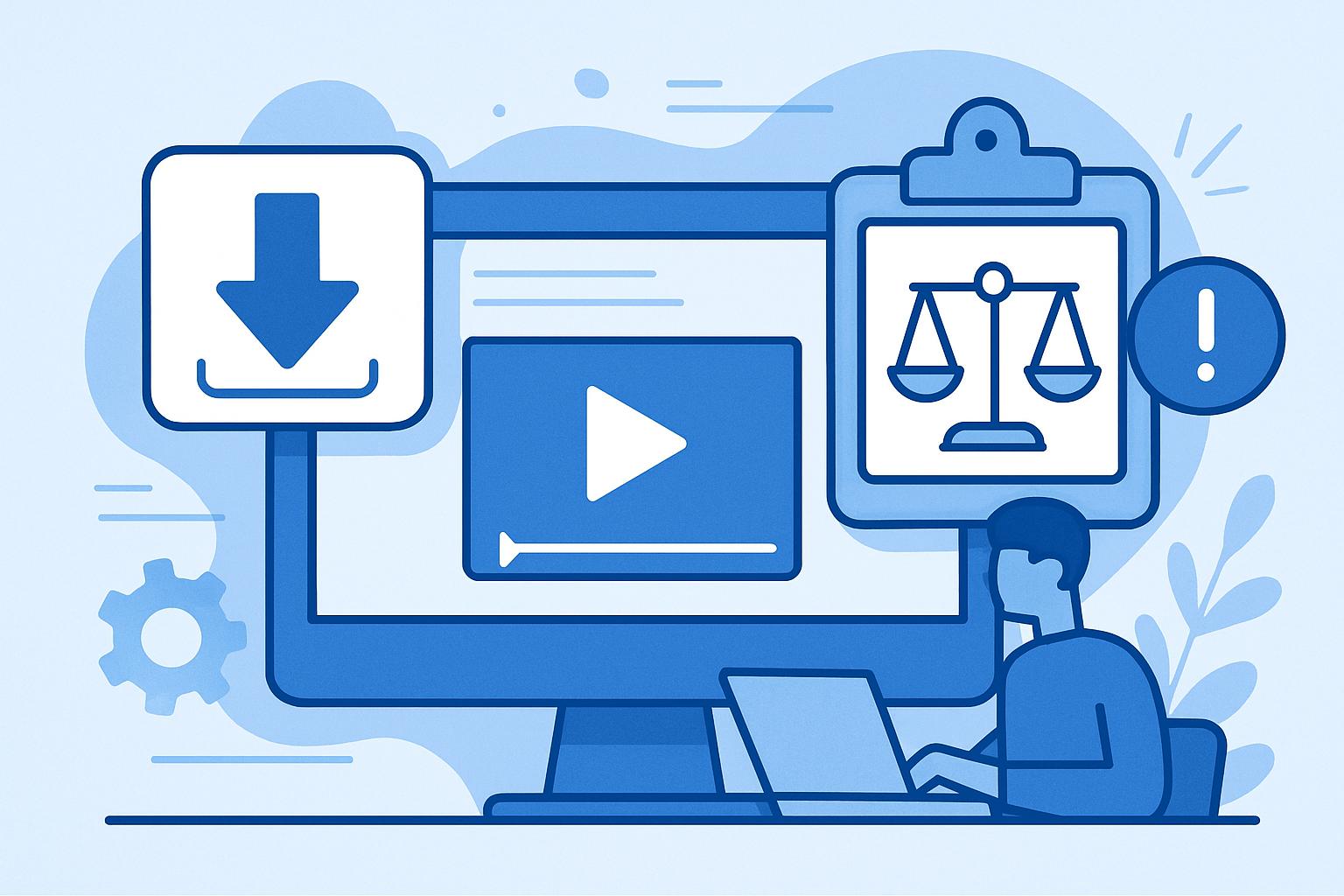
Copyright & Legal Warning
Downloading copyrighted content from YouTube or other platforms without permission is illegal and violates copyright law. This article is for educational purposes only. We strongly recommend creating your own original content instead.
Understanding YouTube's Terms of Service
YouTube is one of the largest platforms for video content, offering everything from music videos to educational tutorials. Many users look for a YouTube video downloader for PC to save their favorite videos offline. However, before doing so, it’s essential to understand YouTube’s Terms of Service.
YouTube explicitly prohibits downloading videos without permission. Section 5.B of the Terms states that users may not “access, reproduce, download, distribute, transmit, broadcast, display, sell, license, alter, modify, or otherwise use” any content unless explicitly permitted. Downloading videos without authorization not only violates YouTube’s rules but may also lead to legal consequences.
Legal Risks of Using YouTube Video Downloaders
Most free YouTube video downloader applications and websites are not authorized by the platform. Downloading videos without the creator’s consent can result in:
- Copyright infringement: Most YouTube videos are protected by copyright laws, and unauthorized downloading can lead to legal penalties.
- Account suspension: YouTube may suspend or terminate accounts that violate its policies.
Malware Risks of Free YouTube Downloaders
Malware Warning
Many free video downloader tools are riddled with malware, spyware, and adware. Downloading from unreliable sources can compromise your device’s security and put your personal data at risk.
Even seemingly legitimate downloader apps can come bundled with harmful software. These risks include:
- Viruses: Some downloaders infect your computer with malicious software that can cause irreversible damage.
- Data theft: Malware can expose your passwords, financial details, and private information.
- Annoying pop-ups: Some tools bombard users with intrusive ads and pop-ups.
Instead of risking your security, consider legal alternatives and focus on creating your own content with professional tools like Kaizen Speech Studio.
YouTube Premium: A Legal Alternative
If you want to save videos for offline viewing legally, YouTube Premium is your best option. This subscription service allows you to download videos directly within the YouTube app for offline playback. You also enjoy ad-free videos, background play, and access to YouTube Music.
While YouTube Premium is a great solution for personal use, it doesn’t allow you to edit or redistribute videos. If you’re a content creator, using tools like Kaizen Speech Studio can help you produce original, engaging content legally.
Why Creating Original Content Is Better
Instead of downloading existing videos, why not create your own unique content? With AI-powered tools like Kaizen Speech Studio, content creation has never been easier. Whether you're a YouTuber, educator, or marketer, you can use Kaizen Speech Studio to:
- Dubb videos in 80+ languages: Expand your reach by making your videos accessible to a global audience.
- Create professional voiceovers: Choose from 700+ AI voices to match your desired tone and style.
- Convert text to speech: Turn scripts into high-quality audio in minutes.
- Transcribe videos: Use speech-to-text to generate subtitles or create editable transcripts.
Kaizen Speech Studio vs. YouTube Downloaders
| Feature | YouTube Downloaders | Kaizen Speech Studio |
|---|---|---|
| Legality | Often illegal | 100% legal |
| Security | High risk of malware | Secure and trusted |
| Features | Limited to downloads | AI voiceovers, dubbing, transcription |
Conclusion
While the idea of using a YouTube video downloader for PC may be tempting, the legal and security risks make it a poor choice. Opt for YouTube Premium for offline viewing or invest in creating your own content with tools like Kaizen Speech Studio. With its powerful AI features, you can produce professional-quality content that engages audiences worldwide.
Frequently Asked Questions
No, downloading YouTube videos without permission violates the platform’s Terms of Service and copyright laws.
YouTube Premium allows you to download videos directly in the app for offline viewing, legally and safely.
Kaizen Speech Studio offers tools like AI voiceovers, multilingual dubbing, and transcription to help create professional, original video content.