YouTube to MP3 on PC: Copyright Risks You Need to Know
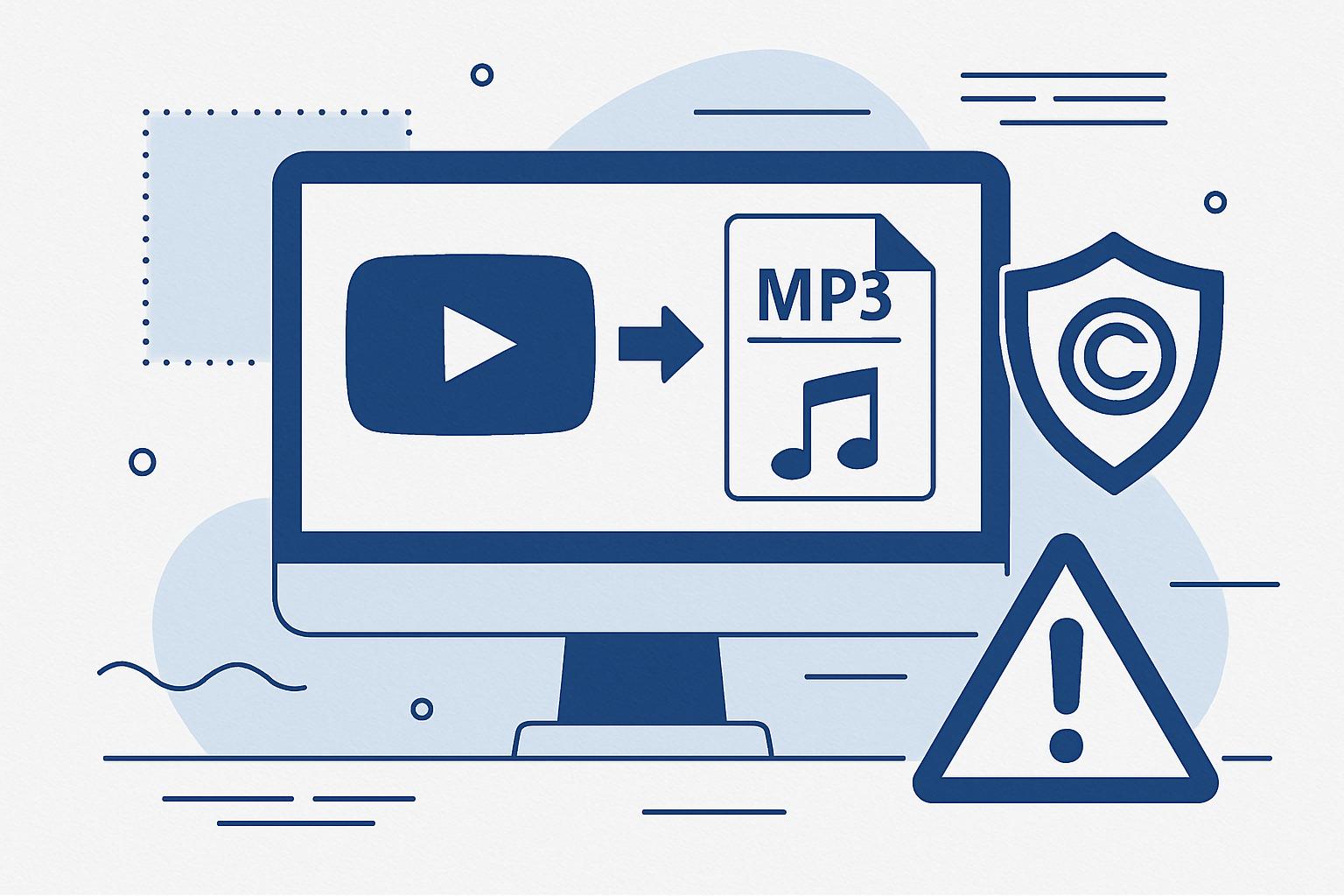
Converting YouTube videos to MP3 on your PC might seem like a quick and easy way to access your favorite audio tracks offline. However, before you hit that download button, it’s crucial to understand the legal and security risks involved. From copyright violations to potential malware threats, this article will guide you through the dangers of YouTube to MP3 converters and introduce you to a safer, smarter alternative: Kaizen Speech Studio.
Copyright & Legal Warning
Downloading copyrighted content from YouTube or other platforms without permission is illegal and violates copyright law. This article is for educational purposes only. We strongly recommend creating your own original content instead.
What Are YouTube to MP3 Converters?
YouTube to MP3 converters are software tools or online services that allow users to extract audio from YouTube videos and download it in MP3 format. While these tools may appear convenient, using them often comes with significant risks, especially when dealing with copyrighted material.
Copyright Risks of YouTube to MP3 on PC
1. Violating Copyright Law
Most content on YouTube is protected by copyright law. This means that downloading and converting videos or music without the creator’s explicit permission is illegal. Under the Digital Millennium Copyright Act (DMCA), such actions are considered a violation, which can lead to legal consequences. YouTube’s own Terms of Service prohibit downloading content unless the platform provides a download option.
2. DMCA Takedowns and ISP Warnings
If you use YouTube to MP3 converters on your PC, you may receive warnings from your Internet Service Provider (ISP) or even face DMCA takedowns. YouTube actively monitors its platform for unauthorized downloads, and violators can be reported to their ISPs, resulting in fines or suspension of internet services.
3. Ethical Concerns
Beyond the legal risks, unauthorized downloading also undermines content creators. Musicians, podcasters, and other creators rely on streams and views for revenue. Using YouTube to MP3 converters deprives them of income they rightfully deserve.
The Hidden Malware Risks of Free YouTube to MP3 Converters
Free YouTube to MP3 converter software and websites often come with hidden dangers that can harm your PC.
Malware Alert
Many free YouTube to MP3 converters are notorious for spreading malware, viruses, and spyware. These malicious programs can compromise your data, slow down your PC, or worse, steal sensitive information.
1. Risk of Viruses
Many converter websites and software are riddled with viruses. Once downloaded, these viruses can harm your files, corrupt your operating system, and even steal sensitive information.
2. Adware and Pop-ups
Free converter websites often serve intrusive ads and pop-ups, some of which may redirect you to dangerous websites or download unwanted software onto your PC.
3. Data Privacy Concerns
Some YouTube to MP3 converter tools require you to install software that can access your personal data, such as your browsing history or saved passwords, putting your privacy at risk.
Why Kaizen Speech Studio Is the Better Alternative
Instead of risking legal troubles or compromising your PC’s security, why not focus on creating your own original audio content? This is where Kaizen Speech Studio comes in.
Features of Kaizen Speech Studio
With Kaizen Speech Studio, you can create professional audio content legally and effortlessly. Here’s why it’s the ideal choice for content creators:
| Feature | YouTube to MP3 Converters | Kaizen Speech Studio |
|---|---|---|
| Legality | High risk of copyright violations | 100% legal |
| Audio Quality | Often poor, depending on the source | Studio-quality AI voices |
| Customization | Limited | 700+ voices, 80+ languages |
| Malware Risk | High | None |
| Use Cases | Personal use only | Podcasts, audiobooks, video dubbing, and more |
How to Get Started with Kaizen Speech Studio
Getting started with Kaizen Speech Studio is simple. Download the software from our official website, and explore its powerful features for free. Whether you’re creating a podcast, dubbing a video, or generating voiceovers, Kaizen Speech Studio has you covered.
Conclusion: Choose the Legal and Safe Path
While YouTube to MP3 converters on PC may seem like a convenient solution, they come with significant legal and security risks. Instead of resorting to risky and illegal methods, embrace the power of AI tools like Kaizen Speech Studio to create high-quality, original audio content. Stay safe, stay legal, and unlock endless creative possibilities without compromising your PC or your integrity.
Frequently Asked Questions
Yes, downloading copyrighted content without permission violates copyright law and YouTube’s Terms of Service.
YouTube actively monitors for unauthorized downloads and may take action, including DMCA takedowns.
Yes, you can try Kaizen Speech Studio for free by downloading it from our official page.
Kaizen Speech Studio offers 700+ AI voices, 80+ languages, text-to-speech, speech-to-text, and video dubbing capabilities.
Yes, Kaizen Speech Studio is perfect for creating professional content for commercial purposes.