Video to MP3 Converter: Convert Your Own Videos to Audio Safely
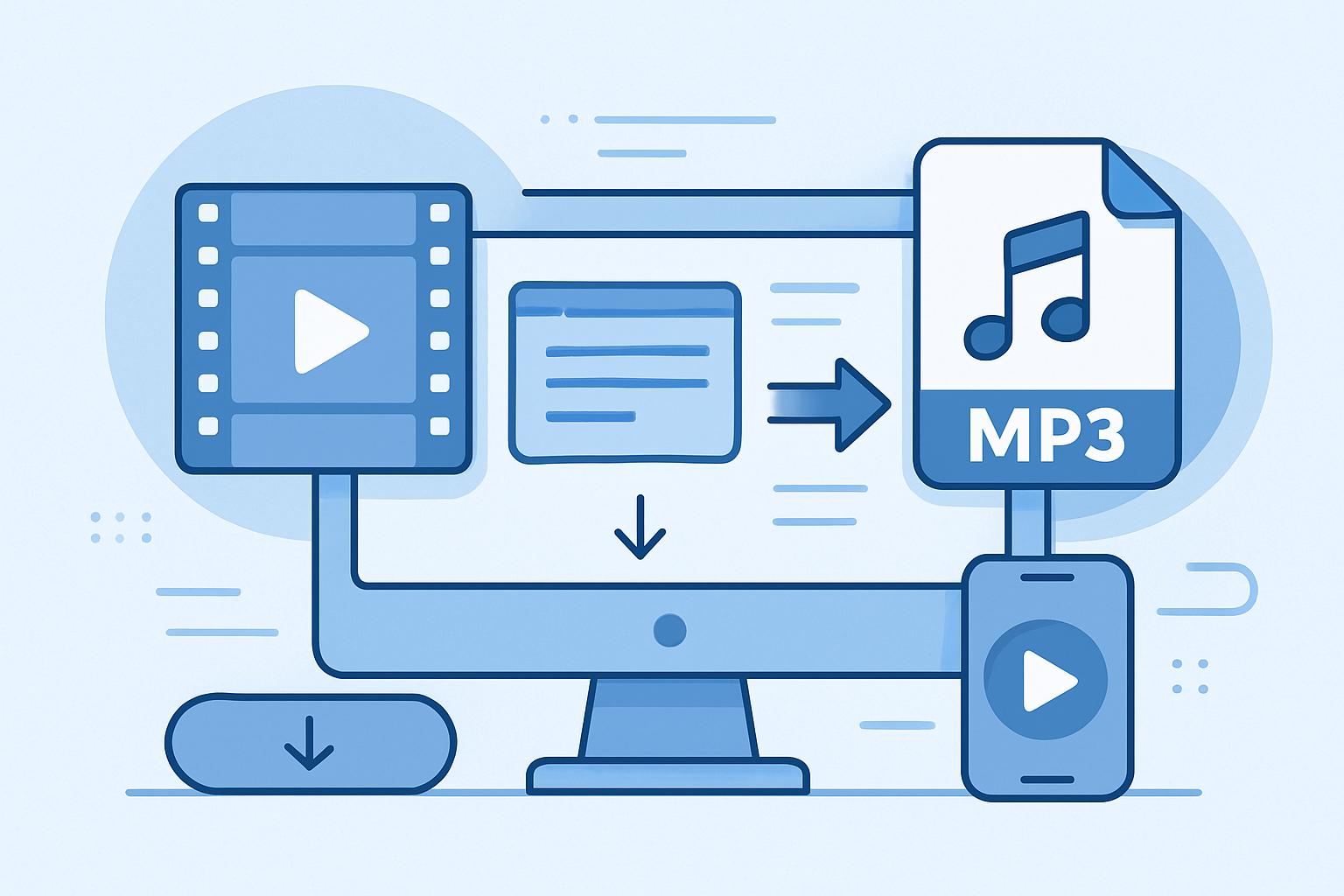
Have you ever wanted to extract audio from your own videos to create podcasts, music tracks, or voiceovers? A reliable video to MP3 converter can help you transform your videos into high-quality audio files. In this guide, you'll learn how to safely convert your OWN videos to MP3, avoid common pitfalls like malware, and explore how AI-powered tools like Kaizen Speech Studio can elevate your audio creation process.
Copyright & Legal Warning
Downloading copyrighted content from YouTube or other platforms without permission is illegal and violates copyright law. This article is for educational purposes only. We strongly recommend creating your own original content instead.
Why Convert Videos to MP3?
Converting videos to MP3 allows you to repurpose your own content for various uses. Whether you're extracting audio from a family video, recording your own music performance, or saving a lecture for easy listening, converting video to audio is a practical way to make your content more versatile. MP3 files are lightweight, widely compatible, and perfect for sharing or archiving.
Safe Ways to Convert Your Own Videos to MP3
When converting videos to MP3, it's crucial to use trusted tools that prioritize safety and legal compliance. Here are three reliable methods for converting your personal video files:
1. VLC Media Player
VLC is a free, open-source media player that also doubles as a video-to-audio converter. Follow these steps:
- Open VLC and go to Media > Convert/Save.
- Add your video file, click Convert/Save, and choose MP3 as the output format.
- Select a destination folder and start the conversion.
VLC is ideal for simple video-to-audio conversions, but it doesn't offer advanced editing features.
2. Audacity
Audacity is a free, powerful audio editing tool. To convert videos to MP3:
- Install the FFmpeg plugin to import video files into Audacity.
- Open your video file, edit the audio as needed, and export it as an MP3.
Audacity allows you to tweak the audio quality, add effects, and remove noise, making it a great choice for professional results.
3. FFmpeg
FFmpeg is a command-line tool for advanced users. It supports video-to-audio conversion with precision:
ffmpeg -i input_video.mp4 output_audio.mp3
This tool is highly customizable but requires some technical expertise.
Beware of Malware Risks
Free video converter websites often come with hidden dangers, like malware, data theft, and intrusive ads. Always download software directly from trusted sources and avoid online tools that require personal information.
Creating Audio Content with AI: Kaizen Speech Studio
If you're looking for a better way to create professional audio content, consider Kaizen Speech Studio. This powerful software enables you to create voiceovers, narrations, and dubbed audio using advanced AI technology.
Kaizen Speech Studio offers:
- 700+ AI voices: Choose from diverse voices to match your style.
- 80+ languages: Create audio in multiple languages for global audiences.
- Text-to-speech and speech-to-text: Easily generate or transcribe audio.
- Video dubbing: Sync audio seamlessly with video.
Comparison Table: Tools for Video to MP3 Conversion
| Tool | Features | Ease of Use | Best For |
|---|---|---|---|
| VLC Media Player | Free, fast video-to-audio conversion | User-friendly | Basic conversions |
| Audacity | Advanced audio editing | Moderate | Professional audio creators |
| FFmpeg | Highly customizable, command-line tool | Challenging | Tech-savvy users |
| Kaizen Speech Studio | AI voices, multilingual, dubbing | Intuitive | Creating original audio |
Conclusion
Converting your own videos to MP3 is a safe, legal, and efficient way to repurpose your content. Tools like VLC, Audacity, and FFmpeg are excellent for personal file conversion, but they come with limitations. For creating professional audio from scratch, Kaizen Speech Studio is the ultimate solution. Try it today and unlock endless possibilities for your audio projects!
Frequently Asked Questions
Yes, as long as you’re converting your own videos or videos you have the rights to. Downloading copyrighted content without permission is illegal.
VLC Media Player is a reliable, free option for simple conversions.
Kaizen Speech Studio uses AI to create professional-quality audio content, including voiceovers, multilingual narrations, and dubbed audio.