The high-speed auto clicker for Windows: set an exact millisecond interval (up to ~100 clicks per second), pick left, right or double click, and start & stop with a global hotkey without leaving your game. Today, GiveawayOfTheDay readers get a full 1-year Premium license free — everything unlocked.
Enter your email and we’ll send your license key right away. Prefer to skip the 1-year limit? Grab Lifetime Premium for a one-time $15.
GiveawayOfTheDay exclusive — every Premium feature, free for 12 months.
Pay once. Use it forever. No renewal, no subscription.
Secure checkout via Paddle · instant delivery to your inbox.
A focused Windows tool that does one thing brilliantly — fast, accurate, controllable clicks.
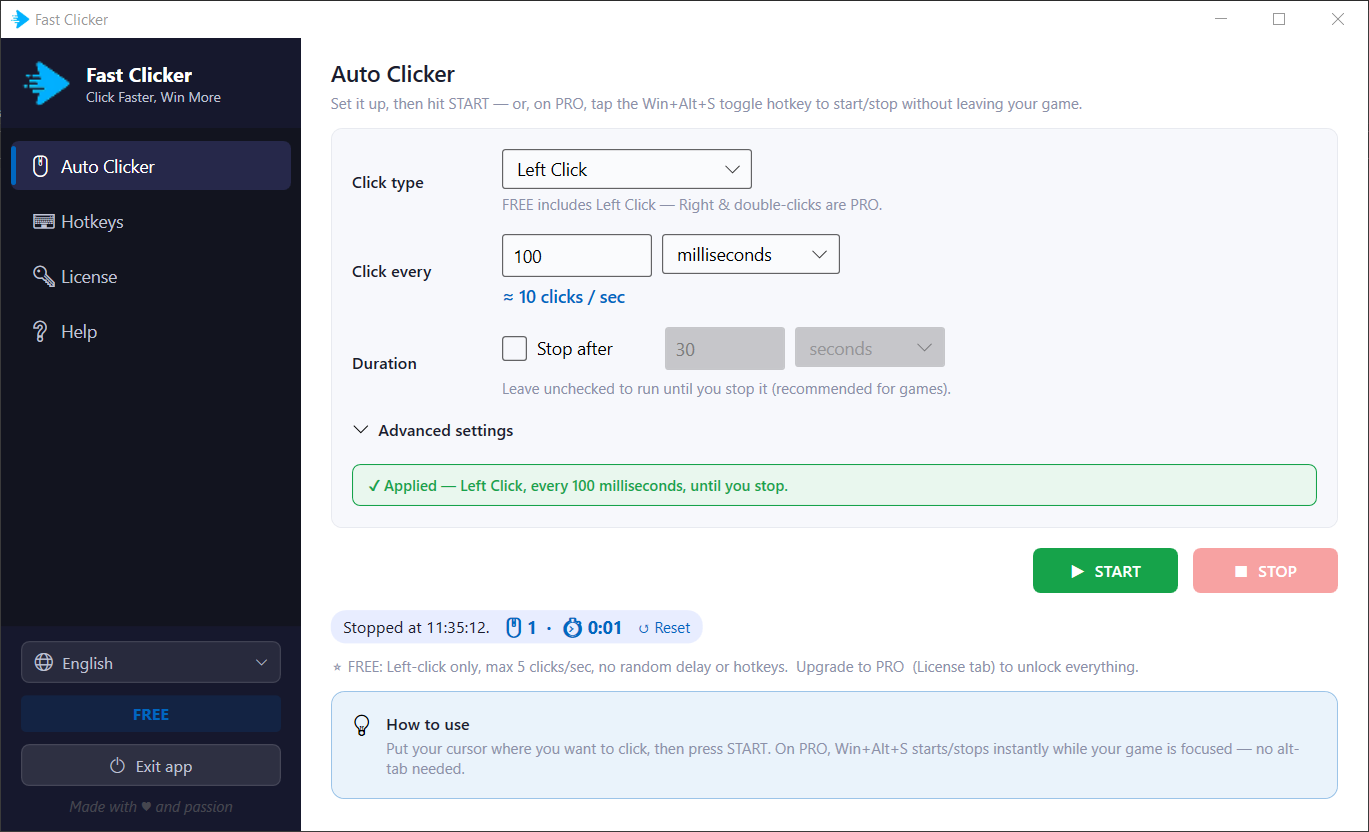
Type the milliseconds (or seconds/minutes) between clicks — down to ~100 clicks per second — and watch the live clicks-per-second readout update as you tune it.
Left, right, double-left or double-right click Premium — fired wherever your cursor is. No fiddly coordinates to set up.
Start and stop with Win+Alt+S from anywhere — even while the app is hidden in the tray and your game stays focused. Fully re-bindable.
Add a customisable random amount to each interval so the timing varies naturally — making automated clicking harder to detect.
Run until you stop it, or auto-stop after a set duration. A start countdown gives you a few seconds to position the cursor first.
A tiny native Windows app: installs in seconds, runs fully offline, no ads, no bundled extras. Available in 13 languages.
Under 2 minutes from download to full-speed clicking.
Run KaizenFastClickerInstaller.exe from the GiveawayOfTheDay package on your Windows PC.
Use the form above — your license key arrives by email in seconds. Check spam if you don’t see it.
Open the License tab in Kaizen Fast Clicker and paste the key you received.
Hit Activate — Premium unlocks instantly. Set your interval, press START (or Win+Alt+S) and go.